 CloudLark
Markdown Renderer for Confluence
Documentation · Confluence Cloud
Write Markdown in Confluence and see it rendered with code highlighting, tables, task lists and more. Content is indexed by Confluence search, follows the dark theme and exports to PDF and Word as formatted content.
1. Insert the macro
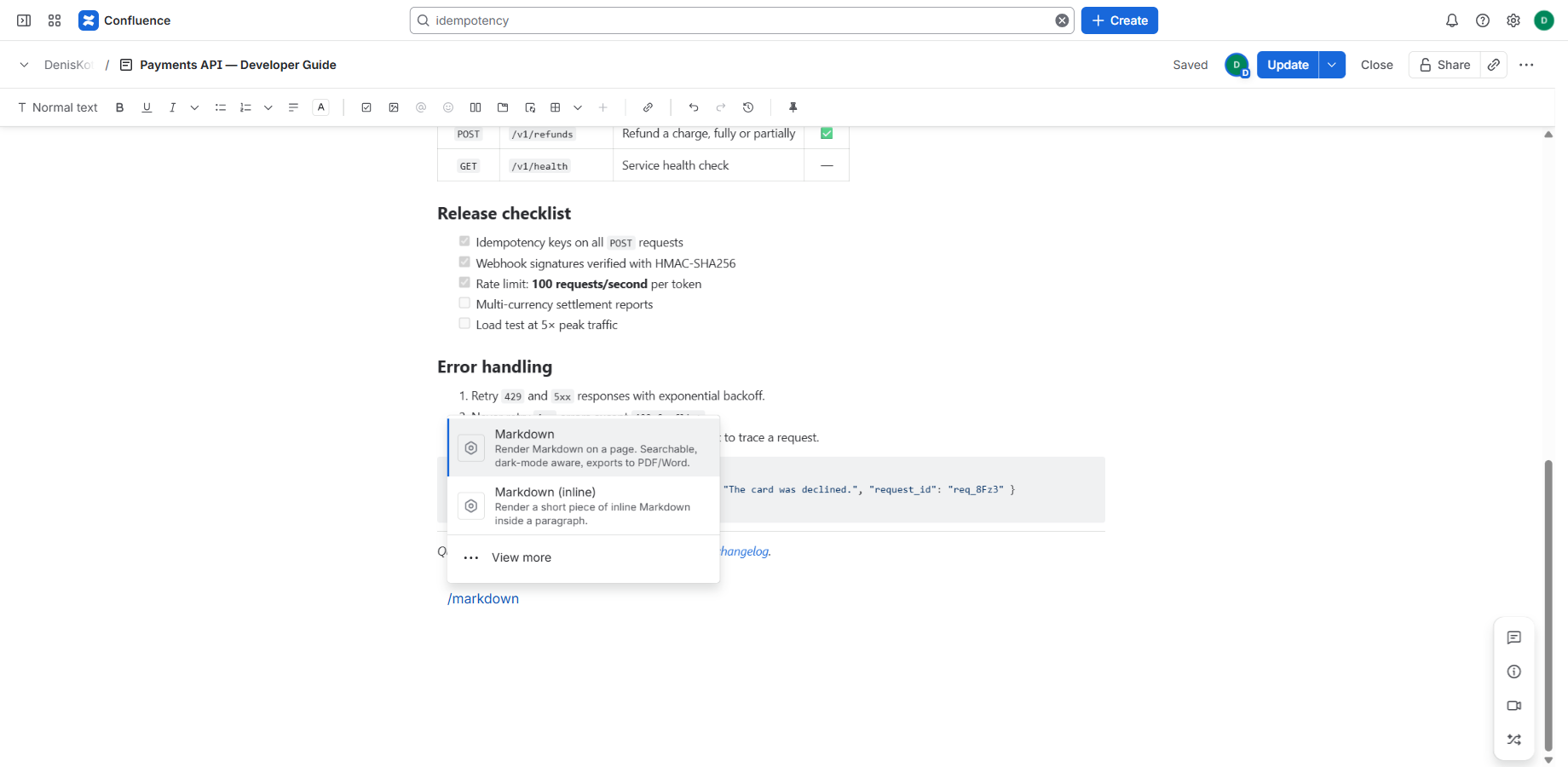
Edit a page, type /markdown and choose one of two macros:
- Markdown — a block for full documents (headings, code, tables).
- Markdown (inline) — a short snippet inside a sentence, for example
**bold**or`code`.
2. Edit with live preview
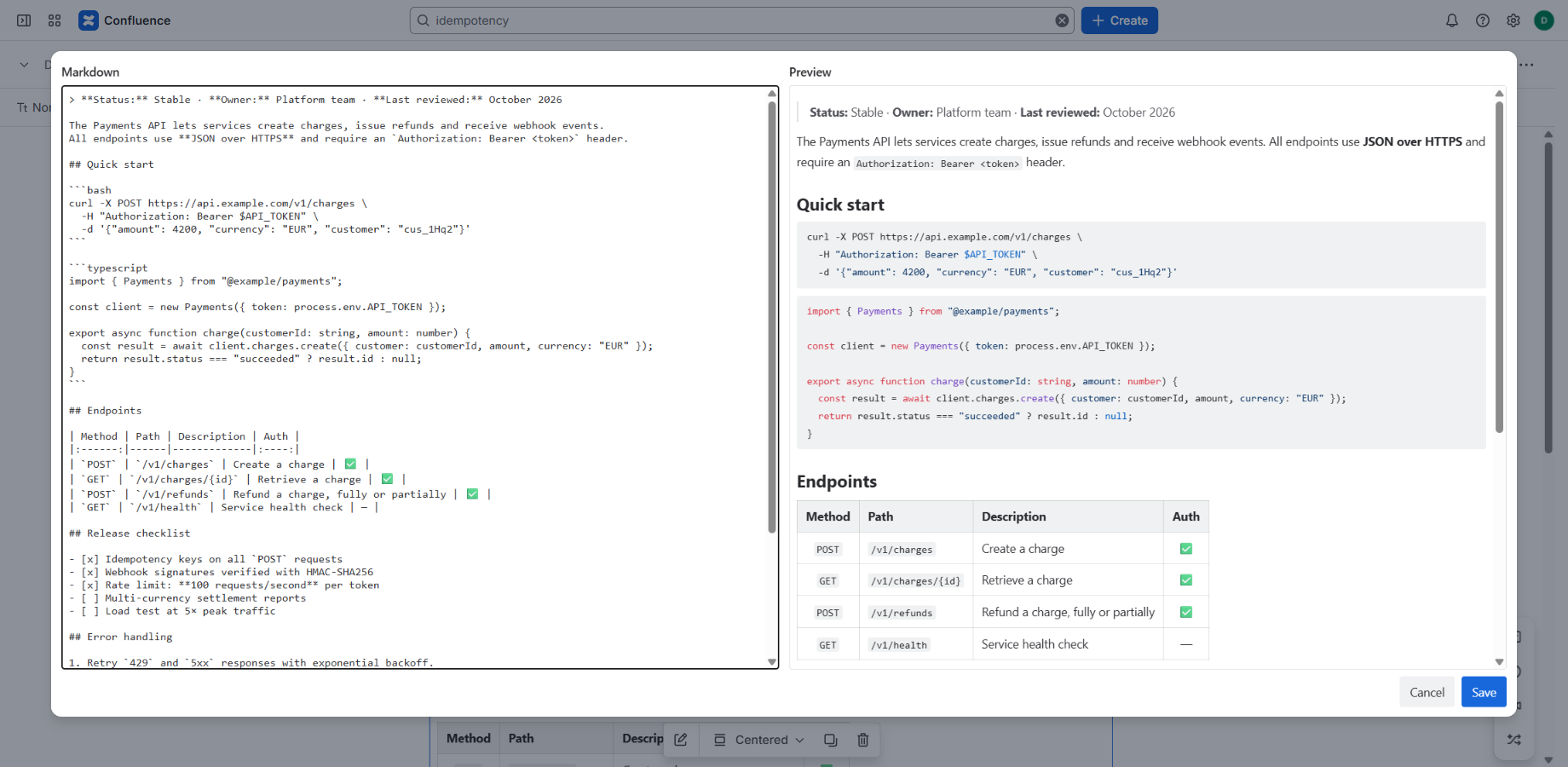
The editor opens automatically when you insert the macro. Type Markdown on the left and see the result on the right, then click Save. To change it later, select the macro on the page and click the edit (pencil) button.
3. Supported Markdown
CommonMark plus the most used GitHub-style extensions:
| Feature | Example |
|---|---|
| Headings | # Title, ## Section |
| Emphasis | **bold**, *italic*, ~~strike~~ |
| Lists and task lists | - item, 1. step, - [x] done |
| Code with highlighting | ```typescript … ``` |
| Tables with alignment | | a | b | / |:--|--:| |
| Links and images | [text](https://…),  |
| Quotes and rules | > note, --- |
| HTML | <b>, <br>, <details> … (sanitized) |
Links to headings inside the same macro (for example [Setup](#setup)) scroll within the macro.
4. Dark mode
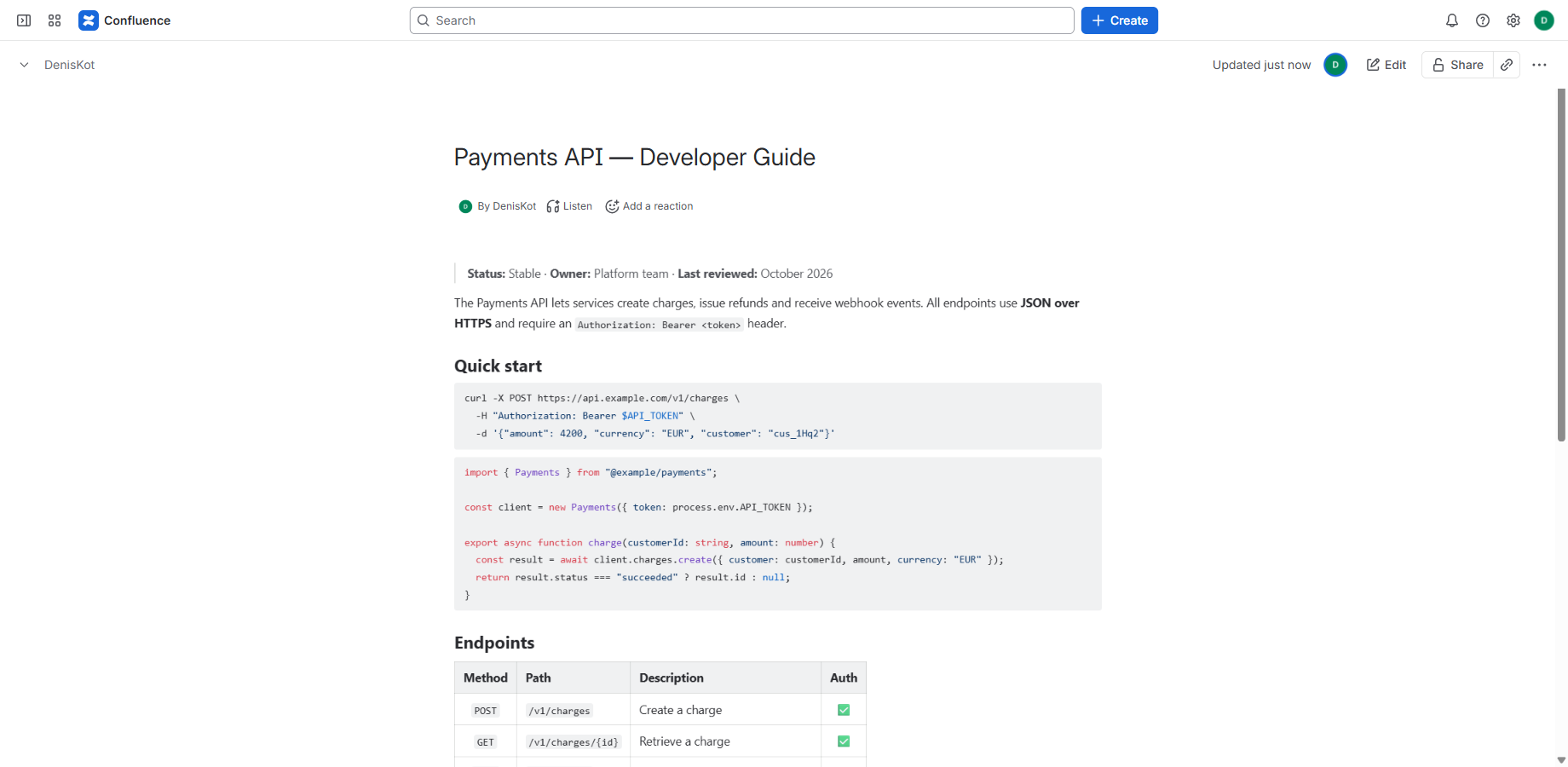
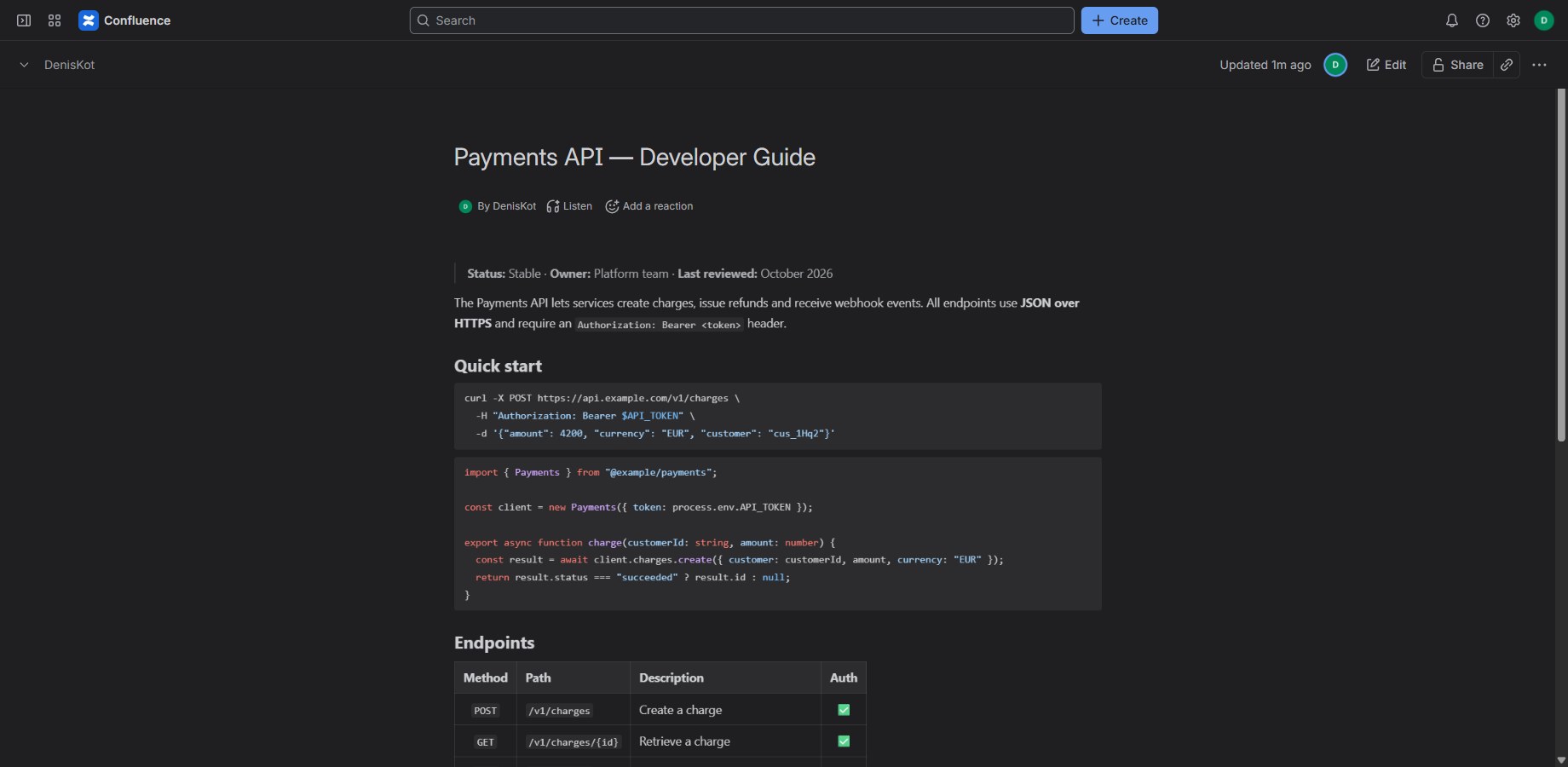
The macro follows the Confluence theme automatically. Text, code, tables and quotes stay readable in light and dark mode.
5. Search
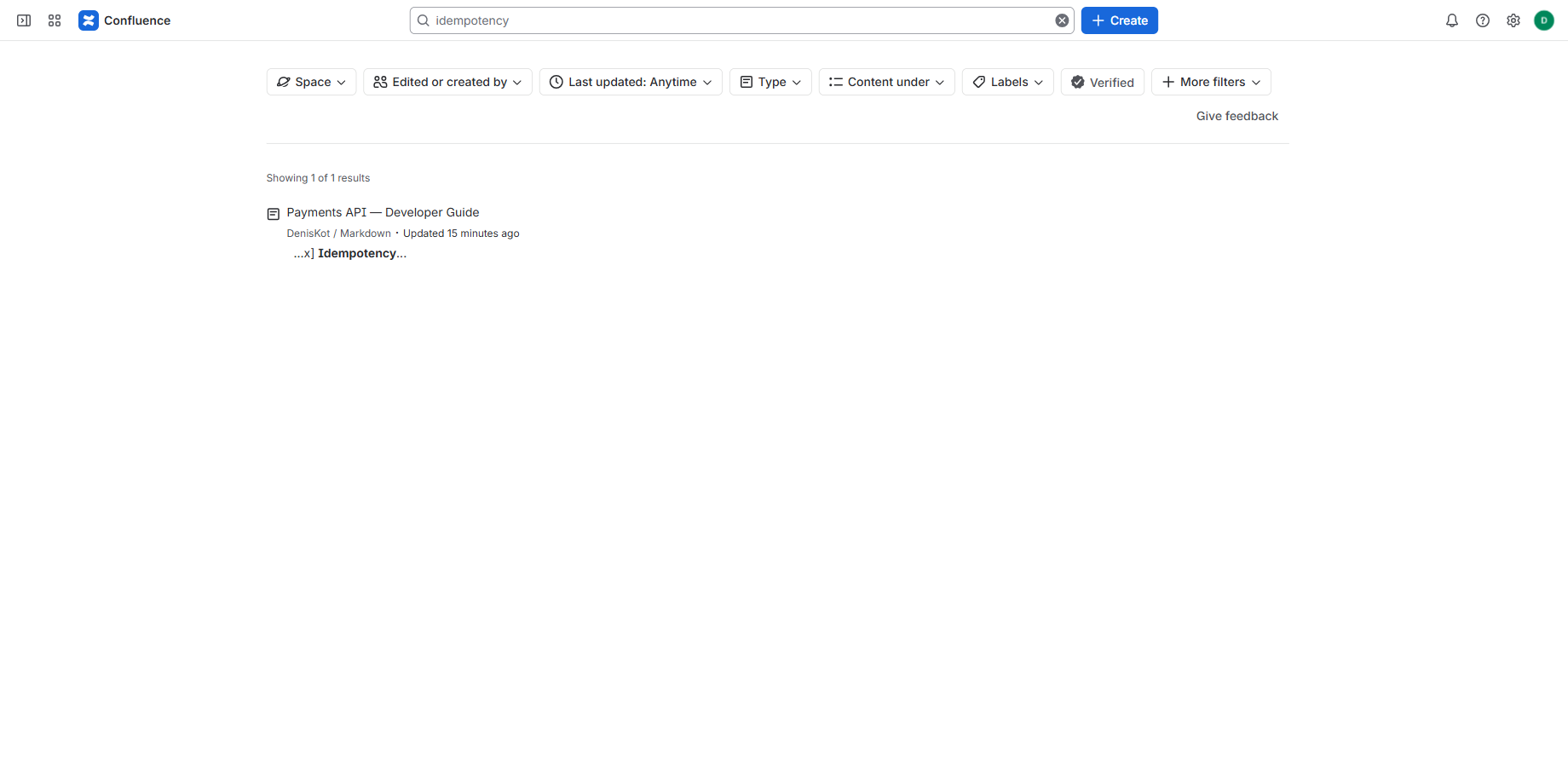
The Markdown text is indexed by Confluence, so words inside the macro appear in search results. New or changed content can take a few minutes to be indexed.
6. PDF and Word export
Use the page menu ••• → Export. The Markdown is exported as formatted content (headings, lists, tables, code), not as an empty box. Images are exported when their host allows downloading them.
7. Security and privacy
- The app runs on Atlassian Forge. Your Markdown is stored in your Confluence page; we never receive it.
- HTML in Markdown is sanitized: scripts and unsafe attributes are removed and never run.
- The app needs no permission to read or change your Confluence content.
See the Privacy Policy and Terms.
8. Limitations
- Images are loaded by URL. Images behind a login or from hosts that block embedding may not display.
- In PDF/Word export only basic HTML tags (bold, italic, links, line breaks, headings, code, images) keep their formatting; other tags are exported as plain text.
- Very large documents can be slow to edit. Split them into several macros if needed.
9. Migrating from Render Markdown
Moving from the "Render Markdown" app? Follow the migration guide — it includes a script that converts your pages automatically, with a dry run and undo.
Need help?
Email cloudlark@uttily.com or visit Support.